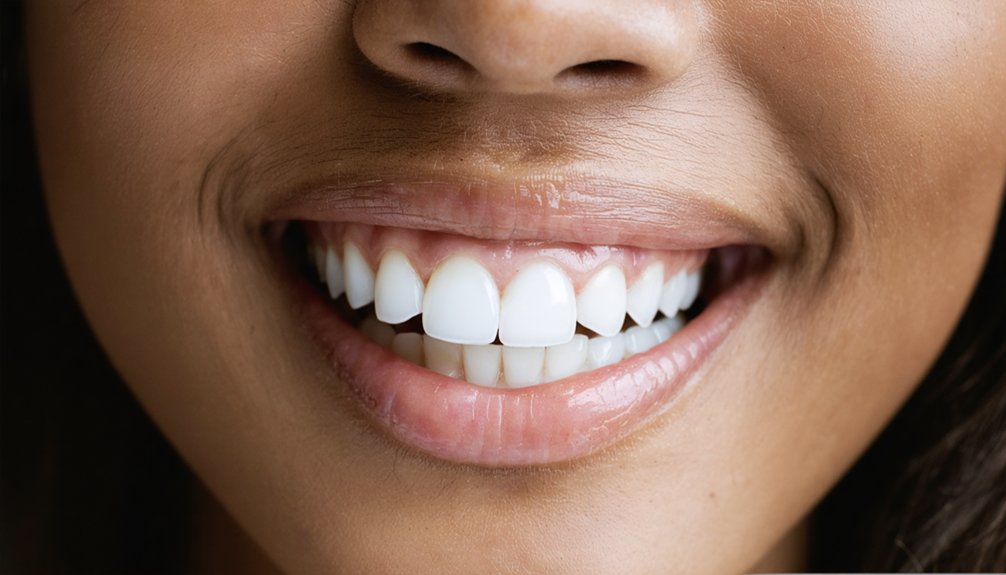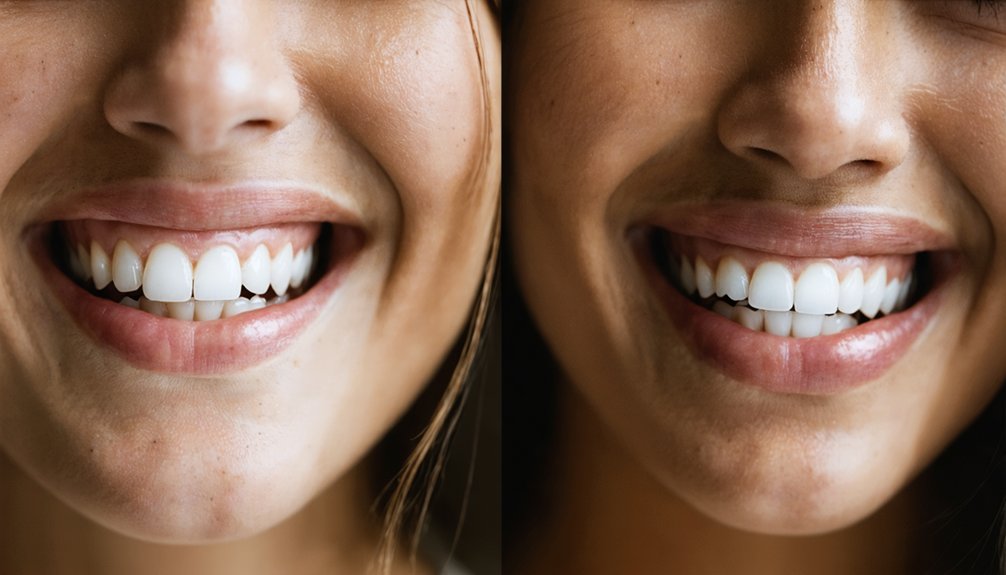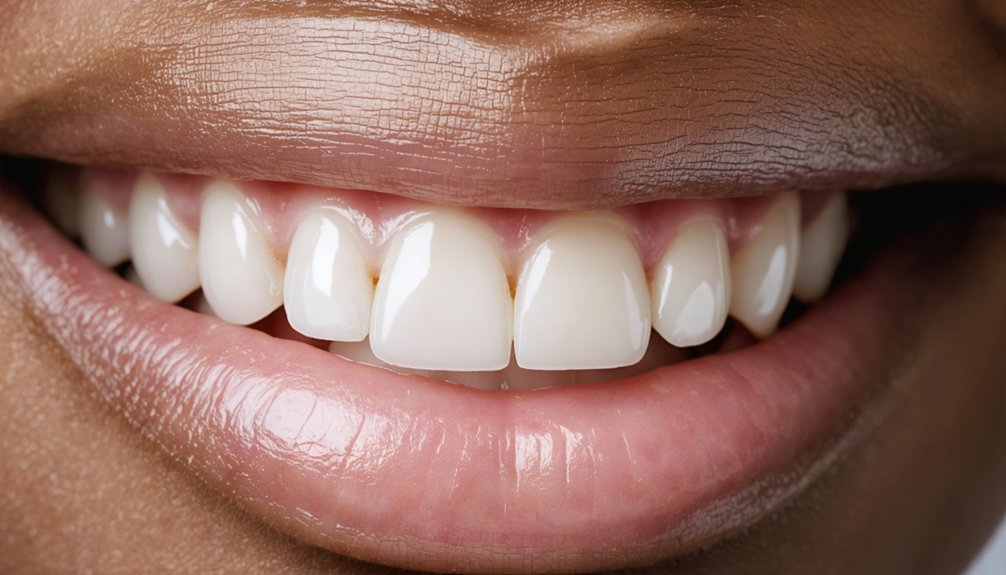
Progress photos give you an objective record that daily perception can’t. Your eyes adjust too gradually to detect real shade shifts, so photos taken under consistent lighting and angle do the measuring for you. Expect early changes between days 3 and 7, noticeable improvement by week 2, and deeper stain reduction by weeks 3 and 4. Stain type and whitening method both influence your timeline. The full week-by-week breakdown ahead will sharpen how you interpret every comparison shot.
Key Takeaways
- Take a baseline photo with a shade guide in Week 1, maintaining consistent natural lighting and a front-facing angle throughout the process.
- Early visible whitening changes typically appear between days 3 and 7, depending on the whitening method used.
- By Week 2, progress photos often reveal up to 3 shades of improvement with reduced yellowing and more uniform brightness.
- Week 3 photos show subtler, deeper stain reduction with more even tooth tone rather than dramatic visible changes.
- Week 4 final photos should align with Day 1 lighting conditions and use a shade guide for objective measurement.
How Teeth Whitening Progress Photos Measure Real Change
Tracking teeth whitening progress with photos gives you a concrete, visual record of shade changes that memory alone can’t reliably capture.
Weekly images taken under consistent lighting, at the same angle, with a shade guide present let you objectively measure improvement rather than rely on perception skewed by whitening myths—like the idea that results appear overnight.
Most surface stains begin lifting within days three to seven, with the clearest shift typically visible by week two. Documenting each stage also helps you assess whether your chosen method is performing within expected parameters.
Beyond treatment, your photo record supports smarter maintenance tips by identifying when shade regression begins, allowing you to schedule targeted touch-ups before significant discoloration returns rather than restarting a full whitening course unnecessarily.
What Shade Improvement to Expect by Method
Once you’ve established a reliable photo documentation system, the next variable worth understanding is how much shade improvement your specific whitening method can realistically deliver.
Your shade comparison photos will reflect these method-dependent differences directly.
Different whitening techniques produce measurably different outcomes:
Different whitening techniques don’t just vary in speed — they vary in how far they can actually take you.
- In-office whitening: Delivers approximately 5 to 8 shades lighter in a single session.
- At-home trays: Produces roughly 3 to 6 shade improvement over 2 to 4 weeks.
- Whitening strips: Commonly yields up to 4 shades lighter across a full treatment course.
- First detectable change: Most methods show early visible shift between days 3 and 7.
Knowing your method’s ceiling helps you interpret your weekly photos accurately and avoid misreading normal variation as treatment failure.
Does Your Stain Type Affect the Whitening Timeline?
Your stain type directly influences how quickly you’ll see results in your progress photos.
Surface stains from coffee and tea often respond within days 3 to 5, while tobacco stains typically require 2 to 3 weeks before fuller results emerge.
Tetracycline staining resists complete reversal, so your photos are more likely to document partial improvement rather than the dramatic shift visible with surface discoloration.
Surface Stains Clear Faster
Not all stains respond to whitening at the same pace, and understanding why can help you set realistic expectations for your progress photos.
Surface stains from coffee and tea typically clear fastest, making them ideal candidates for quick whitening methods.
Key surface stain removal patterns to track in your photos:
- Days 3–5: Coffee and tea stains often show the first visible lift.
- Week 1: Surface discoloration frequently produces the sharpest early contrast in progress photos.
- Week 1–2: Most surface stain cases reach near-peak results within this window.
- Week 2: Photos at this stage often confirm whether remaining discoloration is surface-based or deeper intrinsic staining.
Documenting these intervals consistently lets you accurately interpret what your images are actually showing.
Tobacco Stains Take Longer
While surface stains from coffee and tea often respond within the first week, tobacco stains typically don’t show visible change until days 5 to 7, with fuller results emerging closer to weeks 2 to 3.
Tobacco stain duration extends the whitening timeline because nicotine and tar penetrate beyond the enamel surface, embedding deeper into the tooth structure.
Tobacco whitening challenges mean your progress photos may look discouraging early on. Don’t misread slow initial change as treatment failure.
By week 2, tobacco stain removal becomes more visually apparent, but tobacco stain persistence often requires consistent daily application without skipping sessions.
Document each week carefully. Consistent lighting and angle help you detect subtle shifts that confirm the treatment is working, even when change feels slower than expected.
Tetracycline Resists Full Reversal
Tetracycline staining resists full reversal because the antibiotic binds directly to calcium ions within developing dentin, embedding pigment deep beneath the enamel surface rather than sitting on top of it.
Understanding tetracycline challenges helps you set realistic expectations before your first progress photo:
- Whitening limitations mean partial improvement, not complete reversal, is the likely outcome.
- Extended treatment courses of several months may produce only moderate shade changes.
- Gray or blue-gray banding often responds less predictably than yellow-brown discoloration.
- Your progress photos may show subtle week-over-week shifts rather than dramatic before-and-after contrast.
Documenting these incremental changes weekly still matters.
Consistent lighting and a shade guide help you detect real improvement that’s easy to dismiss without objective comparison.
How to Take Progress Photos That Compare Accurately
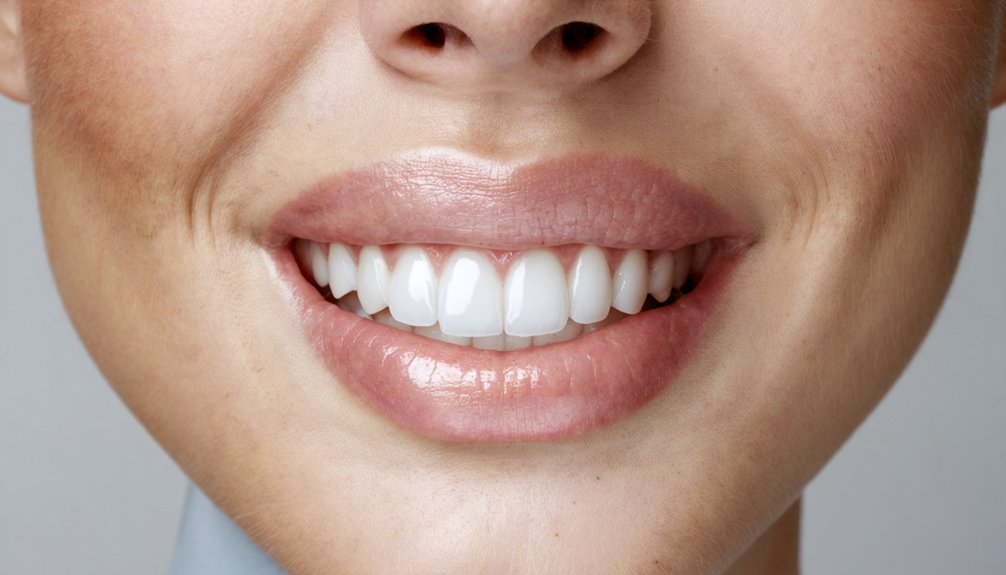
To get progress photos that actually mean something, you need to control two variables from the start: lighting and angle.
You should shoot each photo under the same light source—natural window light works well—because shifting between bright overhead bulbs and dim bathroom lighting distorts color and makes real shade changes impossible to measure.
You’ll also want to lock in a consistent front-facing angle each week, since even a slight tilt can make teeth appear brighter or duller independent of any whitening effect.
Consistent Lighting Matters
Lighting conditions have a direct impact on how tooth color appears in photos, which means inconsistent lighting can make your whitening progress look stagnant or exaggerated even when real change is occurring.
Maintaining lighting consistency protects your photo quality and keeps comparisons clinically reliable.
Follow these four standards each session:
- Use natural daylight near a window at the same time of day to eliminate color temperature shifts.
- Avoid flash photography since direct flash overexposes enamel and distorts true shade.
- Eliminate mixed light sources by turning off artificial lights when using natural light.
- Replicate your exact position relative to the light source so shadows fall identically across every photo.
Controlling these variables guarantees your weekly images reflect actual shade changes, not photographic artifacts.
Standardizing Your Angle
Angle consistency shapes how accurately your progress photos reflect real shade changes, since even small deviations in camera position can alter how light reflects off enamel and distort visible whiteness.
For reliable photo comparison, position the camera at eye level and maintain a straight, front-facing orientation each session. Avoid tilting your chin up or down, as vertical shifts change how shadows fall across your teeth.
Mark your standing position on the floor to eliminate guesswork between sessions. Hold the same smile intensity each time, since lip position directly affects how much tooth surface appears in frame.
Some users find it helpful to use a mirror to self-correct alignment before shooting. These repeatable standards give your weekly images the structural consistency needed for accurate, meaningful comparison.
Week 1: What Early Whitening Photos Should Show
During the first week of whitening treatment, your progress photos should capture the earliest visible lift in surface stains, particularly those from coffee, tea, or similar pigment-heavy sources.
Early changes are subtle but measurable, and first impressions of progress often emerge between days 3 and 5.
Document these four elements in your Week 1 photos:
- Baseline shade comparison — Hold your shade guide beside your teeth in each shot.
- Lighting consistency — Match your Day 1 lighting conditions exactly.
- Frontal angle — Repeat the same position used in your before photo.
- Date label — Mark each image with the exact day to maintain an accurate timeline.
These standards guarantee your Week 1 images serve as reliable data points, not guesswork.
Week 2: When Progress Photos Get Noticeably Different
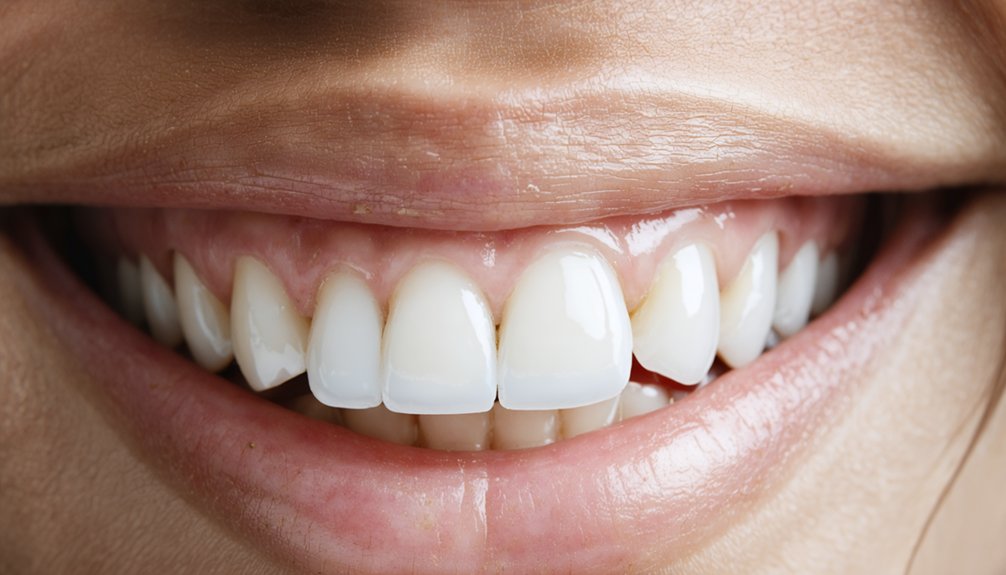
By the end of week two, your progress photos often capture the most obvious visible shift of your entire treatment course.
Mid-treatment images taken now should follow the same lighting, angle, and expression standards as your baseline photo to guarantee an accurate comparison.
At this stage, some patients document up to three shades of improvement, making week two a critical checkpoint for evaluating whether your current method is producing expected results.
Visible Whiteness Takes Shape
Week 2 is typically when your progress photos start telling a clearer story. Visible whiteness takes shape as deeper surface stains respond to continued treatment. Maintaining photo consistency at this stage is critical for accurate comparison.
Key changes your Week 2 photos may document:
- Up to 3 shades of measurable improvement compared to your baseline
- Reduced yellowing from coffee, tea, or age-related discoloration
- More uniform brightness across the full tooth surface
- Clearer contrast when placed beside your Week 1 image
This visible shift often reinforces whitening motivation and encourages treatment adherence through the final two weeks.
Capture your photos under the same lighting, angle, and expression you used previously. Deviations in photo conditions can misrepresent actual shade changes and undermine your tracking accuracy.
Mid-Treatment Photo Tips
How you photograph your teeth at the two-week mark can determine whether your progress record is actually useful. At this stage, mid-treatment techniques matter more than at any other point because this is when the most visible shade shift typically occurs.
Maintain photo consistency by replicating your exact setup from week one: same lighting source, same angle, same lip position. Natural light remains your most reliable option for accurate color rendering.
Hold a shade guide next to your teeth in every image so you’ve got an objective reference point, not just a subjective impression.
Date-stamp each photo immediately after capturing it. Small deviations in angle or brightness can misrepresent actual progress, undermining your ability to accurately assess whether your whitening protocol is working.
Shade Changes By Week Two
Most patients reach a turning point around day 14, when photo comparisons start showing a shift that’s hard to dismiss as variation in lighting or angle.
Shade perception becomes measurably clearer, and color consistency across your weekly images confirms real change rather than wishful interpretation.
By week two, evidence supports these benchmarks:
- Up to 3 shades of improvement are reported in some cases using at-home trays consistently.
- Surface stains from coffee and tea typically show strong reduction within this window.
- Age-related yellowing often demonstrates its most visible shift by day 14.
- Mid-treatment photos taken now usually capture the sharpest contrast against your baseline image.
Your week two photo is often your most compelling data point in the full progression record.
Week 3: Signs of Deeper Stain Reduction in Photos
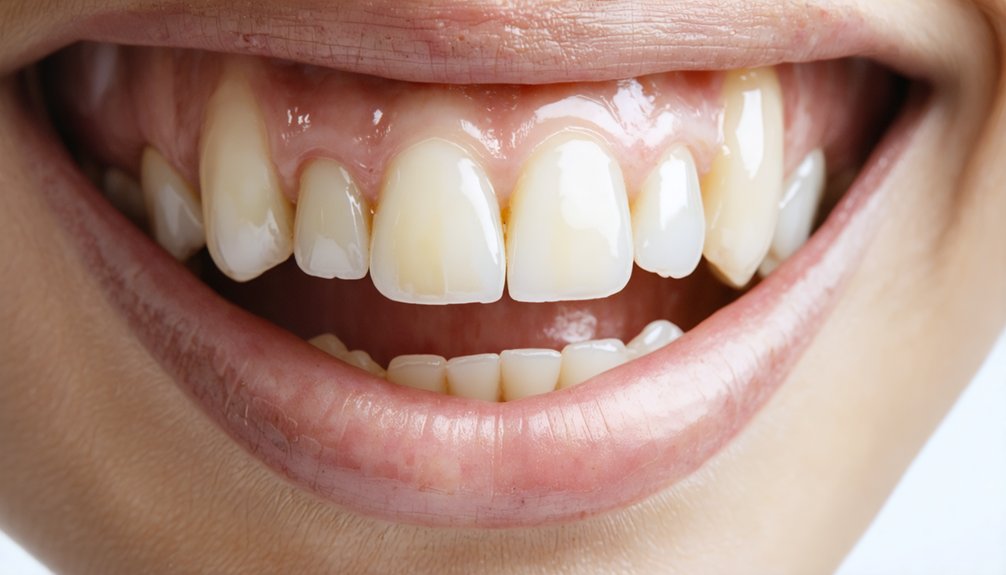
By week 3, your photos may begin revealing a qualitatively different kind of change—one that reflects deeper stain reduction rather than the surface brightening captured in earlier images.
Dispelling whitening myths is useful here: week 3 progress isn’t dramatic overnight transformation, but subtle refinement tied to your specific stain categories. Tobacco and age-related yellowing, which respond more slowly than coffee or tea stains, often show measurable change at this stage.
Compare your week 3 image against your baseline under consistent lighting and the same angle. Look for reduced unevenness and more uniform tone across the full arch rather than isolated bright spots.
Document any remaining discoloration precisely—this data informs whether extending treatment or adjusting your maintenance protocol is clinically appropriate.
Week 4: How to Read Your Final Before-and-After
Week 4 marks the point where your before-and-after comparison carries the most clinical weight.
Photo consistency across all four weeks determines whether your documentation reflects genuine shade change or lighting artifacts. At-home trays typically produce up to 4 shades of improvement by this stage—cut through whitening myths claiming faster results are always better.
Read your final comparison using these four checkpoints:
- Align lighting conditions exactly with your Day 1 baseline photo.
- Use a shade guide to quantify change objectively rather than relying on perception.
- Check for uneven whitening across tooth surfaces, which signals inconsistent tray contact.
- Note remaining discoloration to determine whether a maintenance session or extended treatment is clinically appropriate.
Your data is only as reliable as your method.
Why Your Progress Photos Might Undershow Results
Even when whitening is working, your photos can underreport real shade change if lighting, angle, or expression shifts even slightly between sessions.
Inconsistent lighting consistency is the most common culprit—warm or dim light compresses visible contrast, making whitened teeth appear closer to baseline than they actually are.
Warm or dim lighting flattens contrast, hiding real whitening progress in every photo you take.
Varying your smile width or lip position changes how much tooth surface is visible, further distorting comparison accuracy.
Photo clarity also suffers when images are taken at different distances or with inconsistent focus.
These variables don’t reflect treatment failure; they reflect documentation error.
To protect your ability to read actual progress, standardize every controllable factor before each session.
Your results are only as measurable as your method of recording them.
How to Protect Whitening Results After the Final Photo
Once your final progress photo is taken, the window of highest vulnerability begins—newly whitened teeth remain more porous for the first 48 hours, making them especially susceptible to restaining.
Applying these aftercare tips and maintenance strategies protects your investment long-term.
- Avoid staining agents — Eliminate coffee, tea, red wine, and tomato-based sauces for at least 48 hours post-treatment.
- Use a straw — Minimize direct contact with pigmented beverages as a practical stain prevention measure.
- Prioritize oral hygiene — Brush twice daily with whitening toothpaste to reinforce surface protection.
- Schedule touch-ups — Take-home results typically last one to three years; periodic maintenance sessions prevent gradual shade regression.
Consistent adherence to these protocols determines whether your week-four results hold or quietly fade.
Frequently Asked Questions
Can Progress Photos Help Determine if Touch-Up Treatments Are Needed?
Yes, progress photos support treatment evaluation by giving you a clear before after comparison over time. You can identify fading or unevenness early, helping you decide when touch-up sessions are necessary to maintain ideal results.
Should You Share Progress Photos With Your Dentist During Treatment?
Yes, you should share your progress photos with your dentist. They enhance patient communication, allow real-time treatment feedback, and help your dentist assess shade changes, adjust your protocol, and guarantee you’re achieving clinically expected results.
Do Whitening Results Differ Between Upper and Lower Teeth in Photos?
Like a tale of two cities, your upper teeth often appear brighter in photos due to light exposure, while lower teeth may lag slightly, so you’ll want consistent angles to track both accurately.
Can Progress Photos Look Different Depending on the Camera Used?
Yes, your camera’s settings and lighting effects can alter how tooth shade appears across photos. You’ll get more reliable progress comparisons when you standardize your device, lighting conditions, and angle consistently throughout your whitening documentation.
Is It Normal for Whitening to Appear Uneven in Early Progress Photos?
Yes, it’s normal. Early color variation often appears in your first photos—but don’t panic. Uneven whitening typically self-corrects as treatment duration progresses, with your Week 4 final photo usually revealing a more uniform, consistent result.
References
- https://localdentalsa.com/before-and-after-teeth-whitening-timeline-week-by-week-results/
- https://stock.adobe.com/am/images/visual-comparison-of-tooth-shade-before-and-after-one-week-of-whitening-strips-showing-dramatic-improvement-from-dull-yellow-to-clean-white-teeth/1039076652
- https://www.pexels.com/search/before and after teeth whitening/
- https://smileartsny.com/nyc-photo-gallery/teeth-whitening-nyc/
- https://dentalcarefree.com/blogs/How-to-Create-a-Stunning-Teeth-Whitening-Progress-Photos-Album.html
- https://smile4you.co.uk/teeth-whitening-before-and-after/
- https://dentalcarefree.com/blogs/Tooth-Whitening-Results-Timeline–What-to-Expect-Week-by-Week.html
- https://www.teethwhitening.london/smile-gallery
- https://www.reddit.com/r/Invisalign/comments/11jxypu/whitening_question_and_progress_pics/
- https://www.makeover.so/blog/dental/teeth-whitening-before-and-after